Info Center
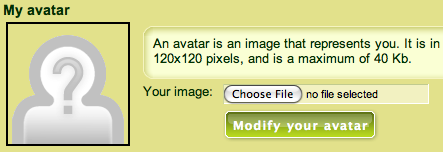
Then click the "Modify" button to confirm your new avatar.
Q: How do I change my avatar?
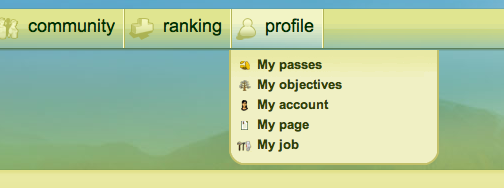
A: First, hover over the "profile" heading on the top navigation bar. Move your mouse down to "My Account" and click.
Once you're there, underneath your account information you will see a button with a feather pen on it that says "Edit my account". Go ahead and click on it.

Then click the "Modify" button to confirm your new avatar.