Info Center
Q: How do I change my layout/presentation?
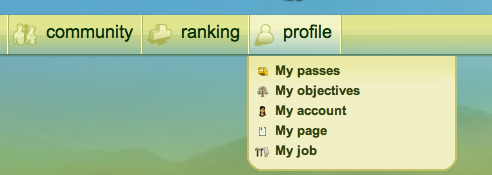
A: The first thing you need to do is go to your player page (profile>my page).
Scroll down until you find the top of your presentation, then move your mouse/cursor to the right. You’ll see three little circles. The first is how to modify your layout. The second will restart your presentation, and the third will provide you with options for your layout. If you find that your layout is too big, make sure to go to the options tab to adjust the size.

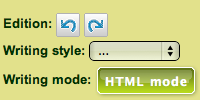
Click on HTML mode, and then insert your layout code at the top of the box. Once the code has been inserted, return to Normal mode and click on Save the Presentation.

Your new layout should be displayed in your presentation!